
Sprunki - Talking Simon and Durple News
New Games

Trending Games
![Kick the Buddy but Durple [Sprunki - Beat Up Durple]](https://game.sprunkiretake.net/kick-the-buddy-but-durple.webp)
Popular Games
Comments
Sprunki Categories
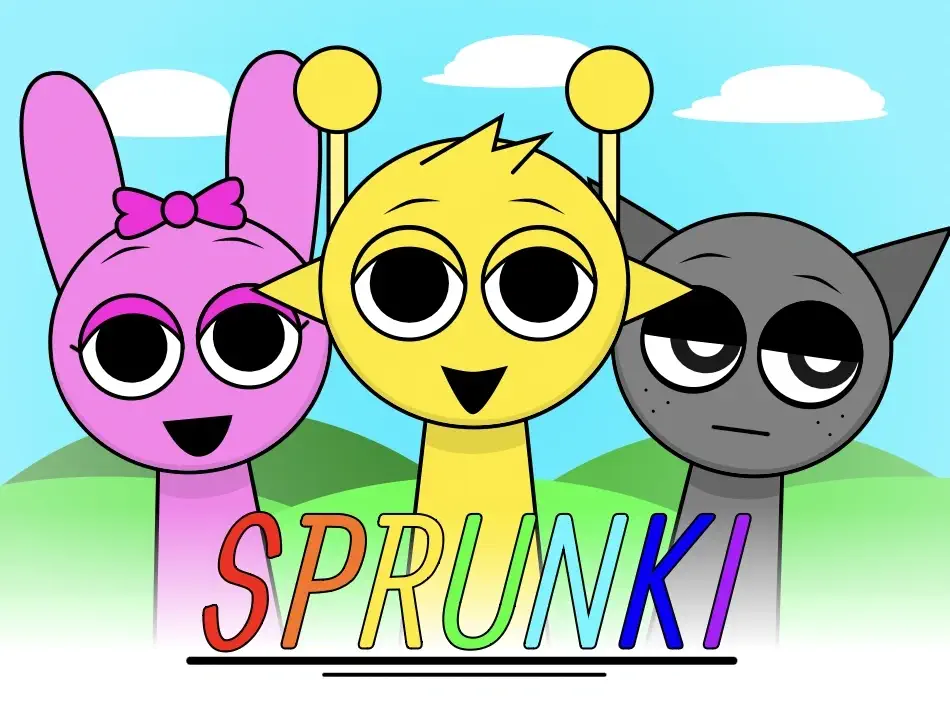

Sprunki - Talking Simon and Durple News: Breaking the Beat
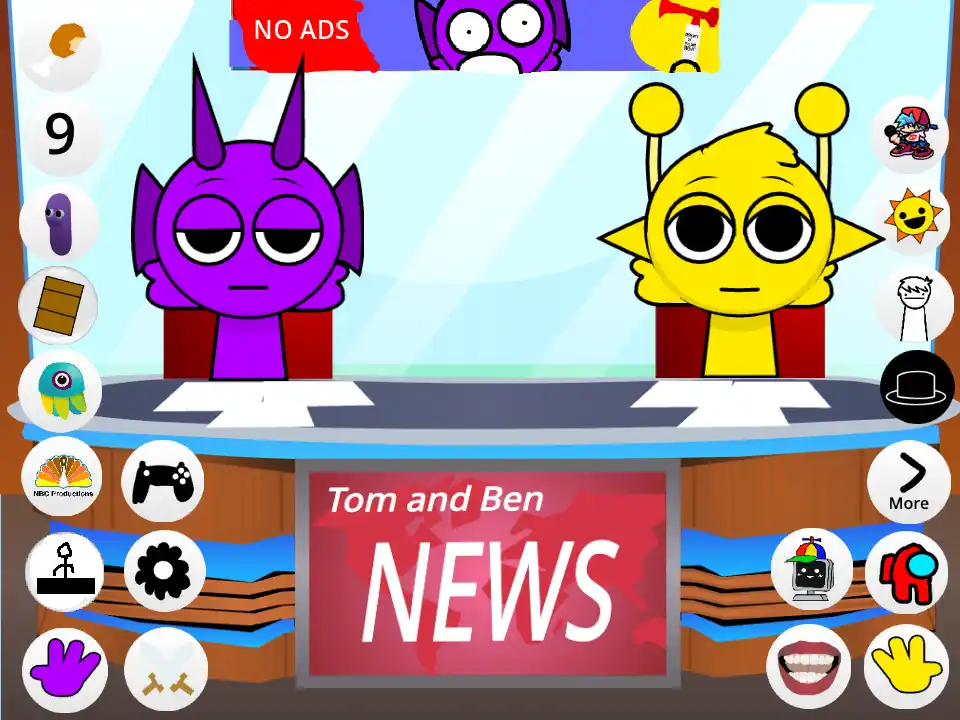
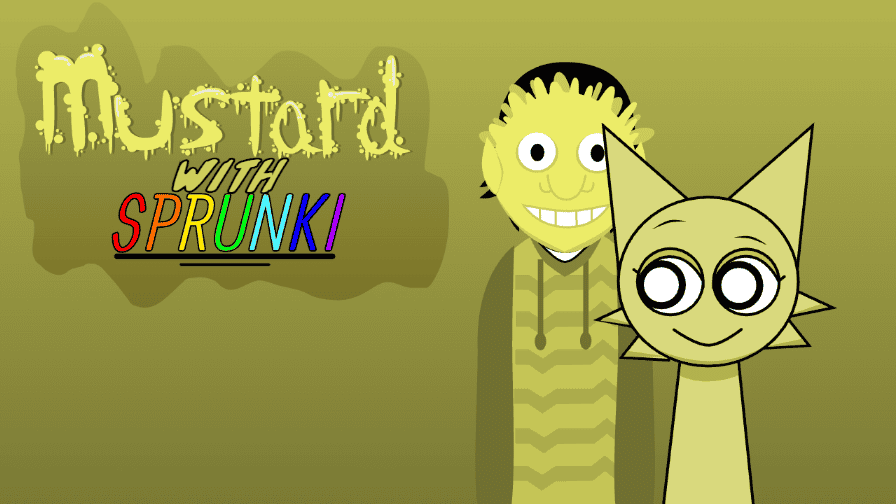
In the diverse ecosystem of Sprunki mods, many entries focus on horror, rhythm, or character redesigns. However, Sprunki - Talking Simon and Durple News (often styled as Talking Simon & Durple News) takes a completely different approach. It transforms the world of Incredibox into a chaotic, comedic news broadcast.
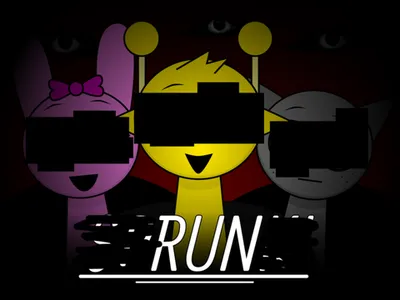
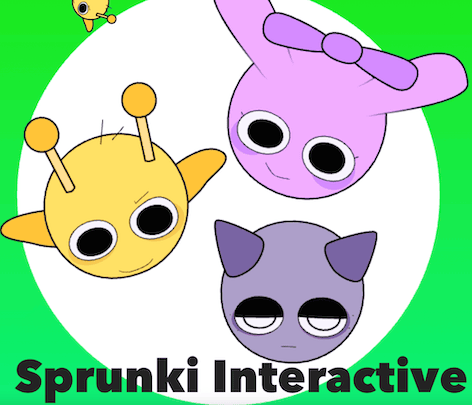
This mod is less about making music and more about storytelling through sound bites. It parodies the format of news shows like Talking Tom and Ben News, placing the golden-faced Simon and the purple Durple behind the anchor desk. Instead of reporting on real-world events, they report on the absurdity of the Sprunki universe, argue with each other, and deal with technical difficulties. In this guide, we will explore the "News" lore, the dialogue-driven mechanics, and why this mod has become a fan favorite for its humor.
The Lore: Live from the Sprunki Studio
The premise is simple: Simon and Durple have launched their own news network.
- The Dynamic Duo: Simon plays the role of the serious (but often frustrated) anchor, while Durple acts as the chaotic co-host who is prone to pranks or falling asleep on air.
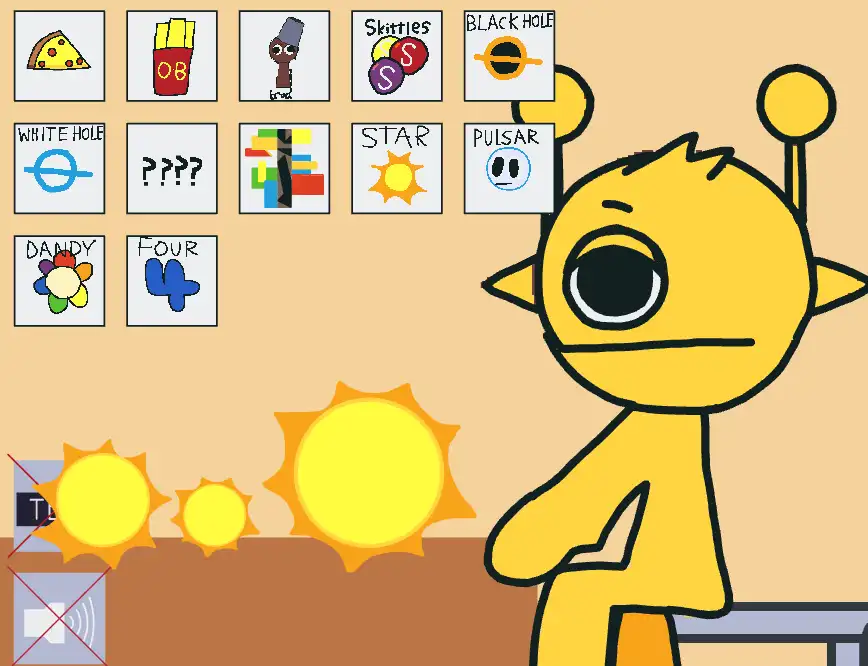
- The Setting: The stage is redesigned to look like a TV studio, complete with a news desk, microphones, and a background screen that flashes "Breaking News" graphics.
- The Content: The "News" they report on is entirely meta. They might discuss the "Demonic Shift" as if it's a weather report, interview other characters like Wenda about her long neck, or read fan mail that breaks the fourth wall.
Gameplay Mechanics: Broadcasting the Chaos
Sprunki - Talking Simon and Durple News changes the core loop of Incredibox. You aren't just mixing beats; you are directing a show.
1. Dialogue as Music
Each icon represents a different segment or interaction rather than a traditional instrument.
- Beat: Instead of a drum, a beat icon might trigger a news jingle or the sound of typing.
- Melody: These icons often trigger Simon speaking a headline in a rhythmic, autotuned voice.
- Effect: Effects might include "Technical Difficulties" beeps, laughter tracks, or the sound of Durple falling off his chair.
- Voices: The voice icons are actual dialogue lines. Dragging an icon onto Simon makes him speak, and dragging one onto Durple makes him respond.
2. The "Interview" Feature
A unique mechanic in some versions is the "Guest Star" slot. Dragging a specific character (like Oren or Pinki) onto the stage triggers an interview segment. The guest will beatbox their answer to Simon's questions, integrating the musical element back into the narrative.
3. Interactive Props
The news desk itself is interactive. Clicking on Simon's papers, Durple's microphone, or the TV screen in the background can trigger easter egg sounds or animations, such as a "Breaking News" alert that changes the music tempo.
Character Guide: The News Team
While the roster is smaller in this narrative mod, the personalities are huge.
Anchor Simon
- Role: Lead Anchor
- Personality: Professional, stressed, and trying to keep the show together. His sounds are rhythmic speech patterns and "News Anchor" voice inflections.
Co-Anchor Durple
- Role: Color Commentary / Comic Relief
- Personality: Goofy, unpredictable, and loud. His sounds include laughter, snoring, and nonsensical catchphrases that add rhythm to the mix.
The Interns (Background Characters)
- Role: Production Crew
- Details: Characters like Gray or Wenda might appear in the background as camera operators or weather reporters. Activating them adds layers of studio noise or background music to the broadcast.
Discover More Comedy Mods
The Sprunki community has a fantastic sense of humor. If you enjoy the lighthearted, narrative-driven style of the Talking News mod and want to find other games that prioritize comedy and character interaction over serious music-making, you should explore the broader Sprunki Mods category. This hub features various "Talking" spinoffs and parody mods that are sure to make you laugh.
Community Trends: The "Breaking News" Meme
This mod has spawned its own sub-genre of content on YouTube and TikTok.
- Fan-Made Headlines: Players record clips of the mod and add their own text overlays to create fake news reports about community drama or lore updates (e.g., "BREAKING: Raddy Lost His Face!").
- "Simon Snaps" Compilations: Fans love discovering the combinations that make Simon "angry" at Durple, leading to compilations of their funniest arguments.
- Crossover News: Modders have started adding characters from other franchises (like Smiling Critters or FNaF) as guest interviewees, expanding the news universe.
Tips for a Successful Broadcast
- Time the Punchlines: Unlike a normal song, you want to time your "Voice" drops to sound like a conversation. Let Simon finish his sentence before dropping Durple's reaction for maximum comedic effect.
- Use the Jingle: The "News Intro" sound effect is usually hidden in the first beat category. Use it to start your mix and set the tone.
- Find the Weather Report: Look for the icon that summons a map. This usually changes the visual background and introduces a "Wind" or "Rain" sound effect that adds atmosphere to the track.
Conclusion
Sprunki - Talking Simon and Durple News is a refreshing break from the intensity of the horror mods. It showcases the versatility of the Incredibox engine, proving it can be used for comedy and storytelling just as effectively as for music. Whether you want to hear Simon rant about the weather or just watch Durple cause chaos on live TV, this mod offers a fun, unique experience that puts a smile on your face. Tune in, turn up the volume, and enjoy the show!