
Sprunki SEYFUNKI
New Games
Trending Games
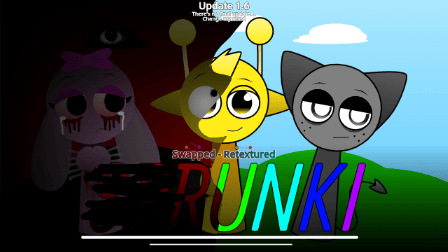
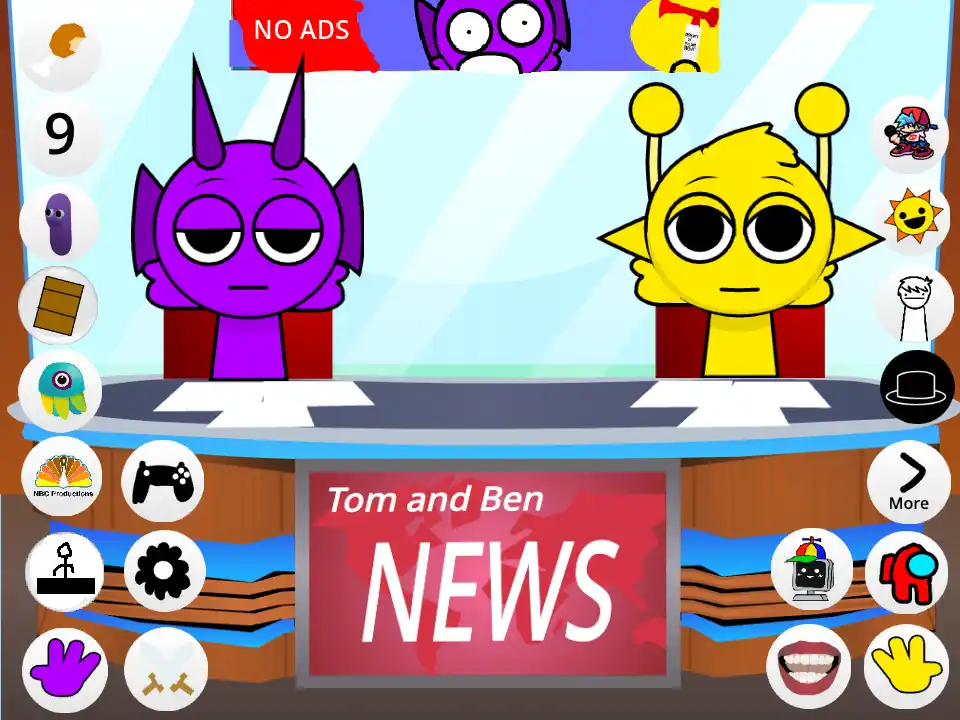
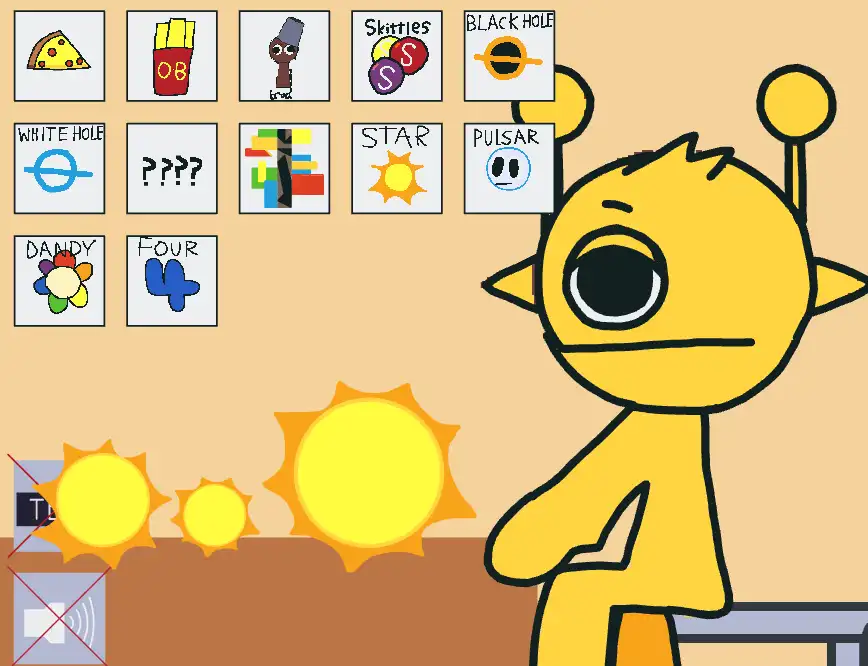
![Kick the Buddy but Durple [Sprunki - Beat Up Durple]](https://game.sprunkiretake.net/kick-the-buddy-but-durple.webp)
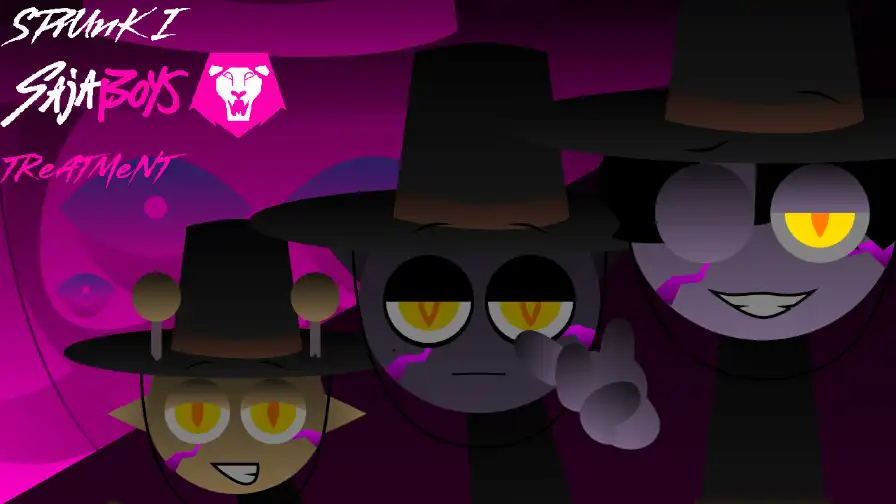
Popular Games
Comments
Sprunki Categories
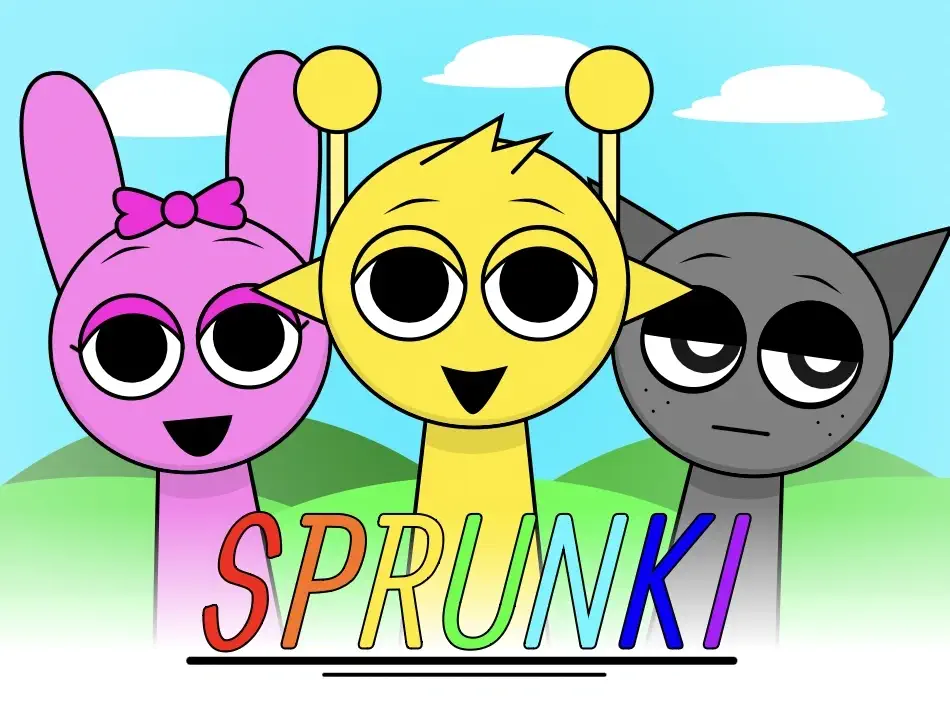

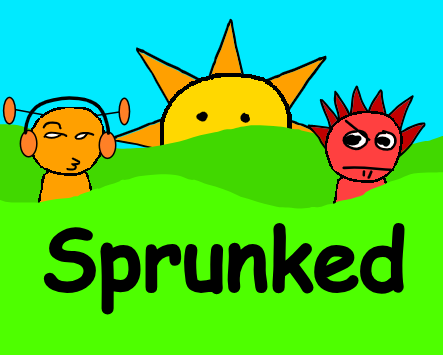
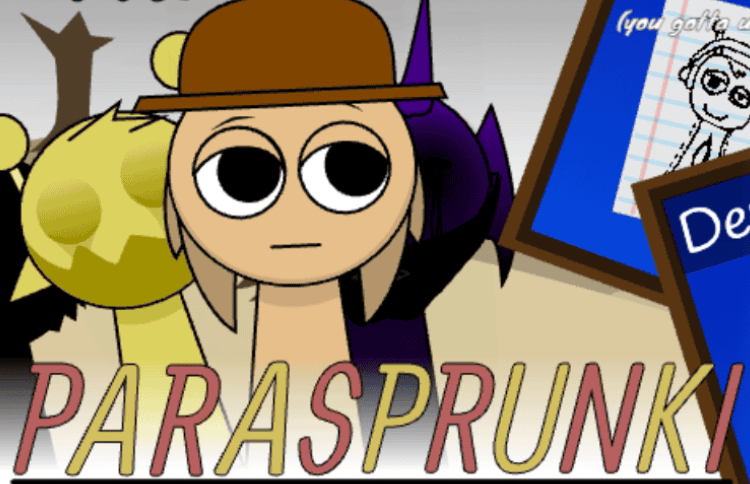
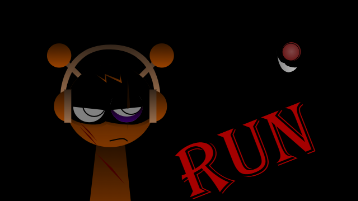
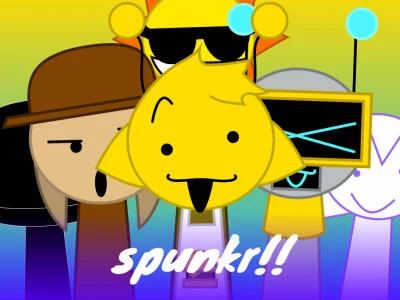
About Sprunki SEYFUNKI
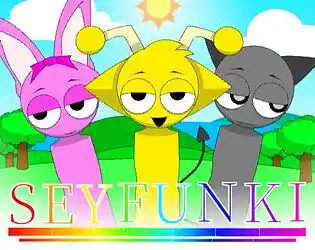
If you’ve been binging Sprunki videos on YouTube, you’ve probably seen gallery showcases with captions like “Incredibox Sprunki SEYFUNKI Phase 2 – UPDATE (GALLERY) | ALL CHARACTERS DESCRIPTION!” and wondered what exactly Sprunki SEYFUNKI is. In short, Sprunki SEYFUNKI is a fan-made Incredibox mod in the wider Sprunki universe: a browser music game where you drag and drop characters to build layered tracks, except here the focus is on a stylized SEYFUNKI cast, dynamic phases, and plenty of references to core Sprunki lore.
Like the original Sprunki Incredibox mod, Sprunki SEYFUNKI mixes cute visuals with unsettling undercurrents. You assemble beats, melodies, effects, and vocals to produce tracks that can shift from upbeat to eerie in seconds. Phase 2 of Sprunki SEYFUNKI pushes this formula further, introducing refined character designs, new descriptions, and more cohesive horror‑tinged storytelling through visuals and sound.
Whether you’re here for the music game aspect, the evolving cast of OCs, or the increasingly complex lore around Black, Simon, Wenda, and the rest of the Sprunki roster, Sprunki SEYFUNKI is one of those mods that feels like a self-contained universe inside the larger Sprunki multiverse.
Lore & Story: SEYFUNKI’s Place in the Sprunki Universe
To understand Sprunki SEYFUNKI’s story, you have to start with standard Sprunki lore. In Sprunki Incredibox, each character has a light form and a dark form, and the entire experience revolves around duality: bright creativity on the surface, and a corrupt, horror-infused underlayer when Black mode or dark forms are activated. Characters like Oren, Raddy, Clukr, Fun Bot, Vineria, Gray, Brud, Garnold, OWAKCX, Sky, Mr. Sun, Durple, Mr. Tree, Simon, Tunner, Mr. Fun Computer, Wenda, Pinki, Jevin, and Black all embody that light/dark split.
Sprunki SEYFUNKI builds on that philosophy but repackages it into its own aesthetic, with Phase 2 functioning like an expansion pack to an existing “season” of the mod. Think of SEYFUNKI as an alternate reality or stylistic branch of Sprunki:
- The core roles (beat, effect, melody, vocal) map closely to the original Sprunki cast, but with SEYFUNKI-specific designs, poses, color palettes, and sometimes tweaked personalities.
- Phase 2 deepens the sense that this is a parallel universe: ages, descriptions, and expressions hint at separate relationship dynamics and timelines, even if many traits are familiar from mainline Sprunki.
- While the original Sprunki’s horror pivot is “Black mode,” SEYFUNKI’s horror elements feel more distributed: some characters look exhausted, haunted, or emotionally frayed even in their “normal” state, and Phase 2 descriptions often nudge you toward reading them as survivors of something.
The implicit lore is that Sprunki SEYFUNKI is a world that’s already gone through a Black-like catastrophe. Phase 2’s updated gallery shows characters who are older, tired, or emotionally complicated, suggesting they’re living in the aftermath rather than on the brink. Instead of a single “switch” into horror mode, SEYFUNKI bakes that trauma into the character designs themselves.
Gameplay Mechanics: How to Play Sprunki SEYFUNKI
Sprunki SEYFUNKI plays like a classic Incredibox-style music game with a Sprunki twist. You don’t need rhythm game skill or music theory knowledge—just curiosity and a willingness to experiment.
Core Controls
- Launch Sprunki SEYFUNKI in your browser or via the mod link shared by creators like Promly. No heavy download is needed; it’s usually an HTML5 music game.
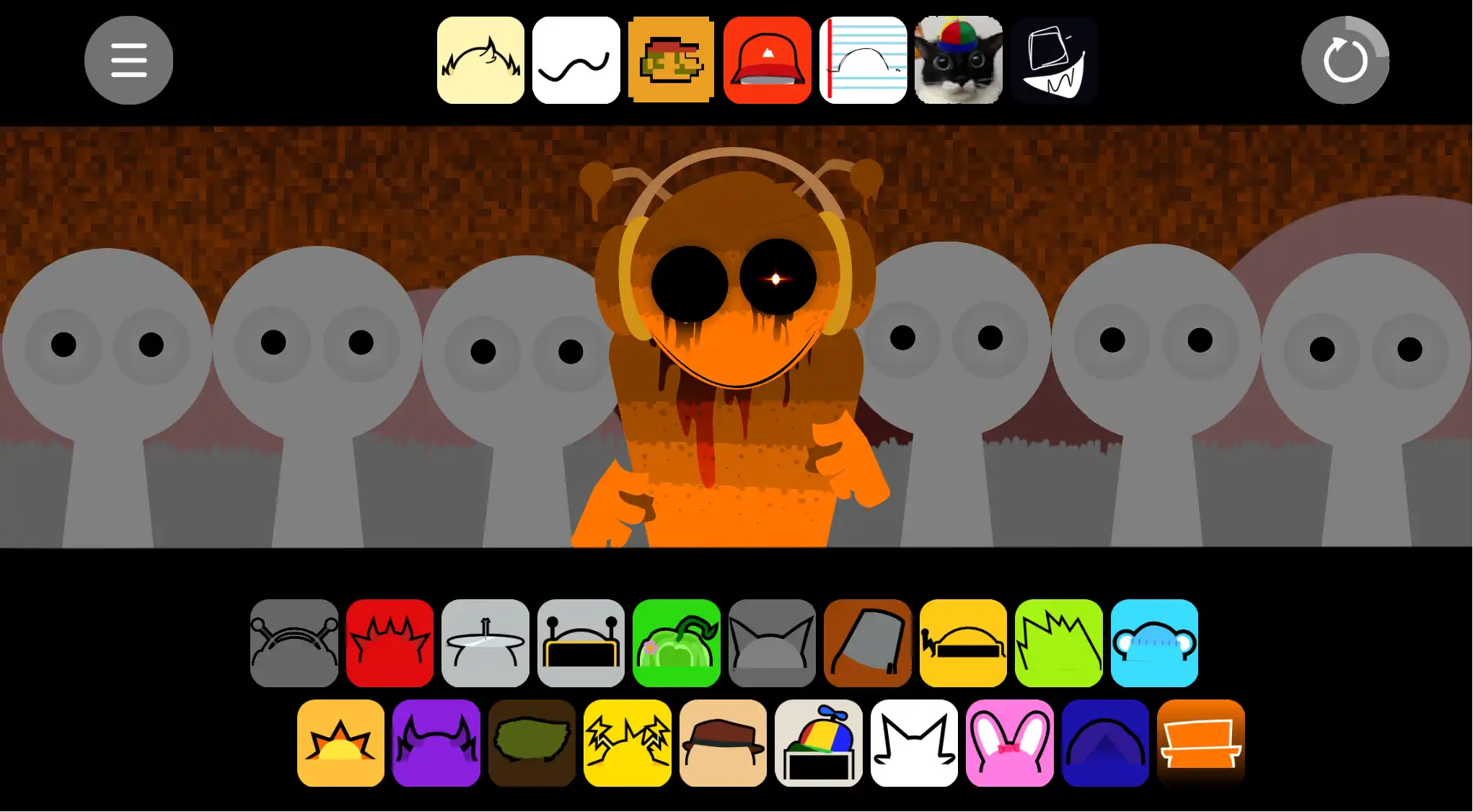
- Once the main stage loads, you’ll see a row of SEYFUNKI characters at the bottom or sides of the screen. Each icon represents a sound type: beat, effect, melody, or vocal.
- Drag a character from the lineup onto an empty slot on the central stage. As soon as they land, they’ll start performing a looping sound.
- Continue dragging characters onto the stage to layer more loops. The goal is to balance beats, effects, melodies, and vocals so your track feels full but not chaotic.
- To remove a character or silence them, click on them again or use any visible “clear” or mute option associated with their slot.
Sound Types and Roles
Sprunki SEYFUNKI follows the same functional categories as the main Sprunki mod:
- Beat characters: Provide percussion, kicks, snares, and rhythmic pulses. These are your track’s backbone.
- Effect characters: Add textures—glitches, ambient noises, reversed hits, whooshes—that give your mix atmosphere.
- Melody characters: Carry chords, riffs, and harmonies. They make your composition feel musical instead of just percussive.
- Vocal characters: Sing, chant, or speak phrases that tie into SEYFUNKI lore and mood. In horror-leaning Sprunki variants, vocals often deliver the story’s emotional punch.
Gallery and Phase System
The “Phase 2 – UPDATE (GALLERY)” naming in YouTube titles points to SEYFUNKI’s structure:
- Phase 1: Establishes the core SEYFUNKI cast and their basic designs.
- Phase 2: Expands the roster, refines art, and adds or updates character descriptions, often clarifying relationships, ages, or personality traits.
- Gallery view: Instead of regular gameplay, gallery mode shows each character in a static pose with text descriptions. This mode is crucial for lore and optimization; you can learn who is a beat vs effect, and what emotional angle they bring to your mix.
As of Phase 2, the gallery presentation is a big part of the SEYFUNKI experience. Players watch Promly-style videos to memorize characters and then use that knowledge when they open the interactive version to build better tracks and thematic combinations.
Bonuses and Combinations
Like other Sprunki mods, Sprunki SEYFUNKI likely hides bonus animations or special sequences behind specific combinations. While exact combos vary by version, the pattern is typical:
- Placing a particular trio or quartet of characters on the stage can trigger a cinematic event, where the screen zooms, the backgrounds shift, and a pre-built musical sequence plays out.
- Phase 2 may introduce new bonus sequences tied to updated characters or new relationships revealed in descriptions.
Experimentation is key: try grouping related SEYFUNKI characters (e.g., those with similar visual motifs or lore connections) and see if the game rewards you with a surprise.
Character Guide: SEYFUNKI Phase 2 Cast & Roles
Because Sprunki SEYFUNKI Phase 2 is presented in “ALL CHARACTERS DESCRIPTION” gallery videos, much of the appeal is in learning who’s who. While the exact roster is SEYFUNKI-specific, you can map many of them to classic Sprunki archetypes from the main mod.
Here’s how to think about SEYFUNKI characters through a Sprunki lens:
Beat Archetypes
SEYFUNKI’s beat characters fill the same niche as Oren, Raddy, Clukr, Fun Bot, and Vineria in the original Sprunki:
- SEYFUNKI’s “Oren-type” tends to be chill but focused, delivering steady percussive loops.
- A “Raddy-type” might look more aggressive or athletic, with sharper, more energetic drums.
- Quirkier designs echo Clukr’s inventor energy—these beat characters may look like they’re tinkering or calculating between hits.
- A fun, expressive bot-style character—akin to Fun Bot—is often a community favorite, with meme-worthy animations and a beat that instantly defines your groove.
Effect Archetypes
Effect characters in SEYFUNKI take cues from Gray, Brud, Garnold, OWAKCX, and Sky:
- A Gray-like SEYFUNKI character may look tired or stressed, adding ghostly sound design.
- A Brud-like figure might be a bit goofy or “off,” providing odd percussive accents or distorted hits.
- Garnold-style tech characters wear goggles or machinery, often controlling glitch or robotic effects.
- Younger, toy-obsessed archetypes, similar to Sky, contribute playful but unsettling effects—perfect when layered under horror vocals.
Melody Archetypes
Melody characters draw from Mr. Sun, Durple, Mr. Tree, Simon, and Tunner:
- A Sun-type SEYFUNKI character is radiant and central, usually providing the main melodic hook.
- Dragon or mystical designs mirror Durple: their sound is often more dramatic or emotional.
- Tree-like elders hint at age and history; their melodies feel wiser, slower, or more contemplative.
- Smart, calculating archetypes nod to Simon, delivering precise, sometimes “dangerous” melodic phrases.
- Tunner-style guardians add bridging lines, tying sections of your song together.
Vocal Archetypes
Sprunki SEYFUNKI’s vocals are where the horror and personality really shine, echoing Mr. Fun Computer, Wenda, Pinki, Jevin, and Black:
- Computer or device-based vocals riff off Mr. Fun Computer, sounding synthetic and sometimes glitch-corrupted.
- Wide-eyed, smiling characters soaked in drama or implied violence represent the Wenda archetype; their lines can swing from playful to terrifying.
- Cute but damaged characters mimic Pinki: their voices are bright even when their designs suggest injury or trauma.
- Calm, low-voiced figures, akin to Jevin, come off as cult-like or religious, anchoring horror tracks with solemn lines.
- SEYFUNKI’s version of Black (explicit or implied) acts as the reality-breaking anchor—when they enter your mix, the track often turns into full horror mode.
Phase 2 descriptions typically list ages, relationships, and emotional notes—like “calm but secretly anxious,” “lost in guilt,” or “trying to keep everyone together.” Use these cues to decide who belongs in your bright mixes vs who you reserve for dark, heavy tracks.
Contextual Internal Link: Exploring Sprunki Mods Beyond SEYFUNKI
Sprunki SEYFUNKI is only one branch of a huge mod ecosystem. If the combination of evolving phases, emotional characters, and interactive music really hits for you, it’s worth exploring other browser-based Sprunki experiences that play with similar ideas—rhythm + lore + horror.
If you enjoy unlocking phases, testing new character updates, and experimenting with how different Sprunki universes “feel” through sound and animation, you’ll probably also appreciate collections centered on fully playable Sprunki browser titles. For instance, categories that focus on web‑based rhythm experiences are perfect when you want to jump between SEYFUNKI, Retake-style mods, and other spin‑offs without installing anything heavy—check out the broader library of Sprunki browser games when you’re ready to explore beyond SEYFUNKI itself.
Community & YouTube Trends
Sprunki SEYFUNKI is very much a YouTube-driven phenomenon. The video you’re viewing—“Incredibox Sprunki SEYFUNKI Phase 2 – UPDATE (GALLERY) | ALL CHARACTERS DESCRIPTION!”—is a perfect example of how the community engages with this mod:
- Creators like Promly record full gallery passes, showing every character in SEYFUNKI Phase 2 with their descriptions and animations.
- Viewers screenshot favorite moments, argue about best characters, and meme specific voice lines or expressions.
- Comments often highlight details like ages (“Mr. Tree age 278 / age 22”), emotional reactions (“i hate my life” at a particular timestamp), and predictions for future phases.
In the wider Sprunki sphere, SEYFUNKI sits alongside other named branches like JS’ Take, Tylermc27’s take, Ruiner’s Take Hyper Shifted Phase 5, etc. Each “take” is a kind of auteur remix: the base idea of Sprunki Incredibox stays the same, but each creator’s style and focus is different. SEYFUNKI leans into structured phases, detailed description galleries, and a slightly more introspective tone compared to some purely chaotic or meme-oriented mods.
Sprunki SEYFUNKI also benefits from the broader hype around Sprunki itself. As Reddit threads and blogs point out, Sprunki became popular because it turned a simple music game into a horror‑coded fandom playground. SEYFUNKI rides that wave: fans already understand what “phase,” “dark form,” and “Black-inspired horror” mean, so this mod can dive straight into nuanced character details without re-explaining the basics.
Tips & Strategy: Getting the Best SEYFUNKI Mixes
To get the most out of Sprunki SEYFUNKI, especially in Phase 2, you want to think like both a music producer and a lore enjoyer.
Start with Structure
- Build from beats: pick 2–3 SEYFUNKI beat characters and listen for a tempo that feels comfortable. If you’re planning a horror track, go slightly slower; for upbeat mixes, lean faster.
- Add one effect: choose an effect character that matches your intended mood (glitchy, airy, creepy, or percussive).
- Test loop stability: if your beat/effect combo feels too busy, remove one and try again.
Layer in Theme
- Choose a main melody character whose description matches your track’s feeling: hopeful, melancholic, or corrupted.
- Add a secondary melody or effect to fill gaps, but avoid stacking too many melodic lines at once—SEYFUNKI’s magic lies in clarity, not noise.
- Introduce vocals last, once you know what the underlying mood is. A horror-leaning vocal over a cheerful base can create powerful contrast, but too many conflicting vibes can muddy your mix.
Use Phase 2 Descriptions Strategically
- Read the gallery text carefully. If a character is described as anxious, guilt-ridden, or burning out, reserve them for your darker mixes.
- Characters mentioned as supportive, energetic, or “holding everyone together” can anchor more hopeful or bittersweet tracks.
- Group characters whose descriptions mention each other—this often produces musically satisfying combinations and feels more “canon” for SEYFUNKI.
Chase Bonuses and Variations
- Try slotting characters in the same order shown in gallery videos; mod creators often hide bonuses in those canonical lineups.
- Watch for visual cues: background shifts, camera zooms, or character pose changes usually signal you’ve hit a secret or bonus.
- If a combination seems close to a bonus (e.g., a subtle visual flicker), tweak just one character at a time instead of rebuilding the whole lineup.
Balance Horror and Groove
- For “good ending” vibes: start with characters whose designs and descriptions lean lighter, then add one or two dark‑coded SEYFUNKI characters for depth.
- For “bad ending” vibes: start with a normal-sounding loop, then gradually swap in more horror-leaning SEYFUNKI characters until the track feels fully corrupted.
- Use silence: remove one or two characters during playback to create dynamic sections (intros, drops, outros) so your SEYFUNKI mix feels like a full track rather than a static loop.
Conclusion
Sprunki SEYFUNKI takes the foundations of Sprunki Incredibox—drag‑and‑drop music making, dual‑coded characters, and horror‑tinged lore—and filters them through its own evolving “phase” identity. Phase 2, showcased in gallery videos with full character descriptions, pushes the mod into more defined territory: richer designs, clearer emotional arcs, and a cast that feels like it’s living through the consequences of classic Sprunki events.
As a music game, Sprunki SEYFUNKI is accessible and fun: you drag characters, stack loops, and discover bonuses without needing any musical expertise. As a fan experience, it’s even more rewarding: learning each SEYFUNKI character, exploring how they map to the broader Sprunki lore, and sculpting tracks that reflect their personalities turns every session into storytelling.
If you’re already hooked on Sprunki mods, Sprunki SEYFUNKI is a natural next step—especially in its Phase 2 form, where the universe finally feels fully alive. Fire up the mod, open the gallery, and start building your own SEYFUNKI soundtrack to this strange, haunted, ever-expanding world.