
Parodybox Sprunki (Semi-Final Update)
New Games
Trending Games
Popular Games
![Kick the Buddy but Durple [Sprunki - Beat Up Durple]](https://game.sprunkiretake.net/kick-the-buddy-but-durple.webp)
Comments
Sprunki Categories
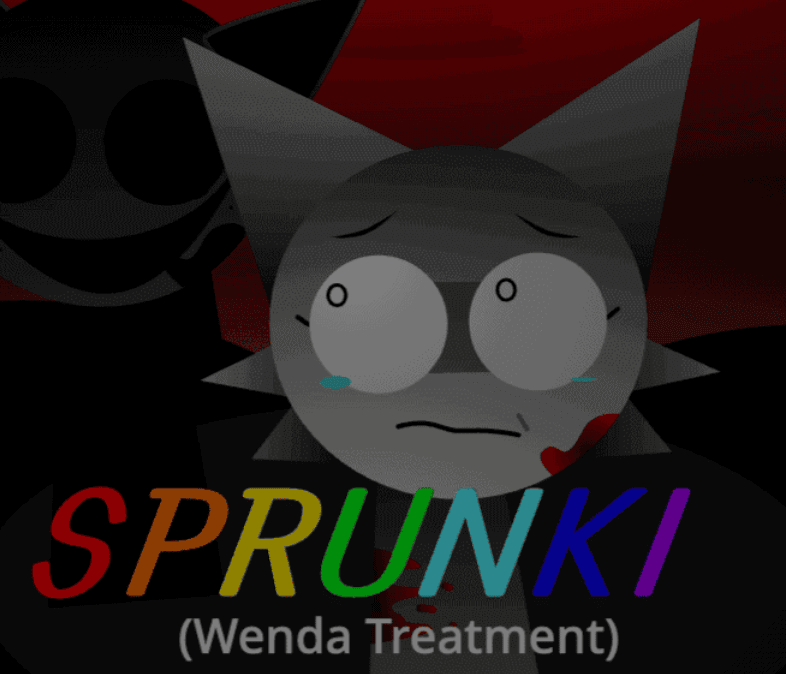
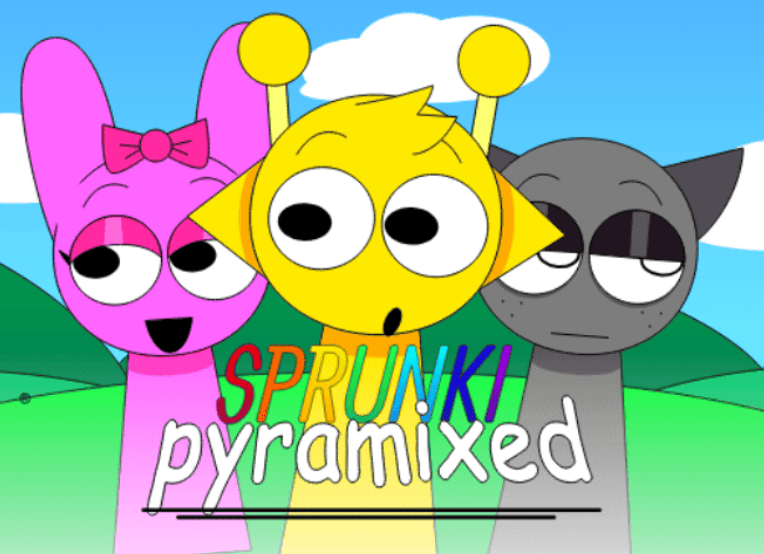

About Parodybox Sprunki (Semi-Final Update)
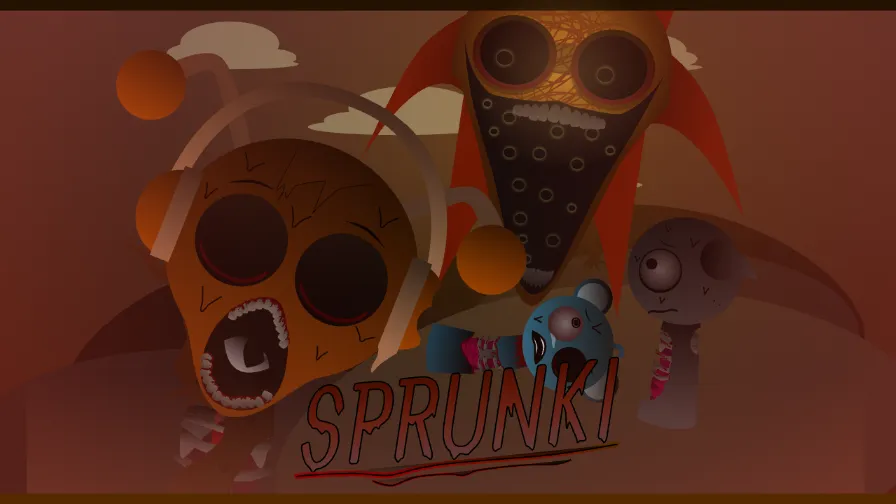
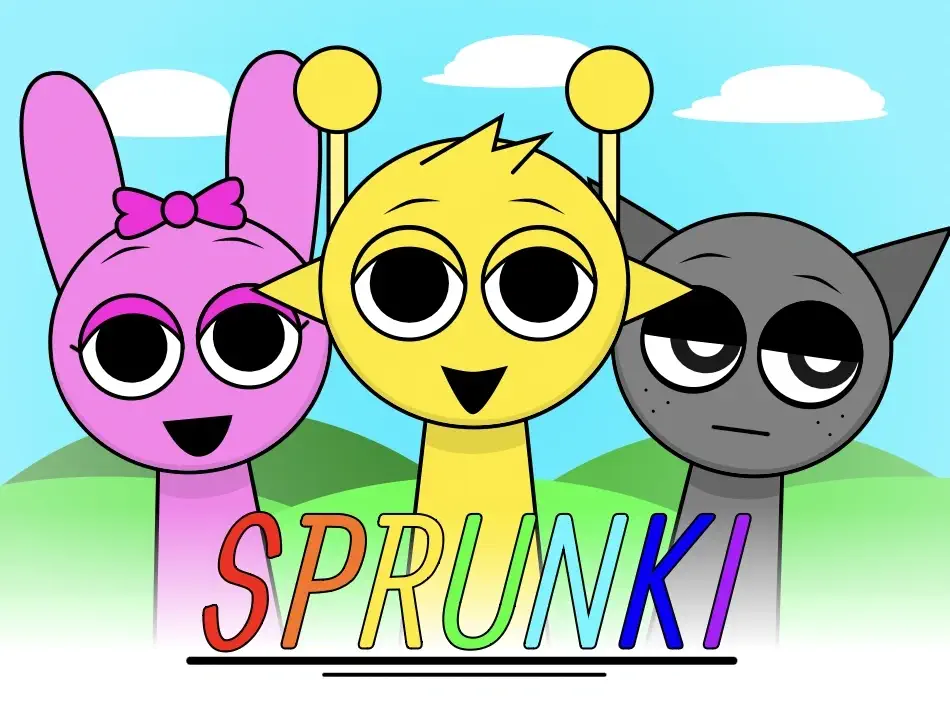
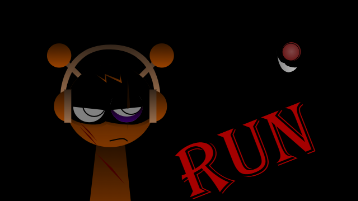
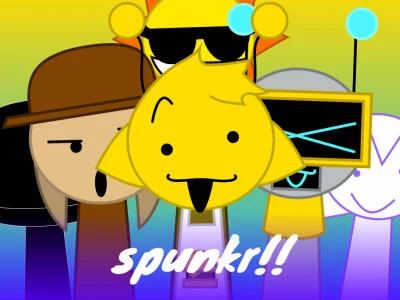
If you love chaotic rhythm experiments, cursed remixes, and the weirdest corners of the Sprunki scene, Parodybox Sprunki (Semi-Final Update) is the browser game you shouldn’t skip. This fan‑made Incredibox mod throws together characters, sounds, and references from a huge range of Sprunki mods, then cranks everything up with new visuals, horror twists, and semi‑final polish. It’s a music game where your mix can flip from playful to unsettling in seconds, and where every drag‑and‑drop choice feels like a tiny story.
Built as “a mod that combines most sprunki mods,” Parodybox Sprunki leans into meme energy and atmospheric horror at the same time. The Semi‑Final Update refines its identity: smoother transitions, sharper icons, and more coherent normal vs horror vibes. If you’ve played other Sprunki or Incredibox mods before, this one feels like a multiverse crossover, and the Semi‑Final Update is the moment where that crossover finally clicks.
Lore & Story: Normal vs Horror, Parody vs Descent
Parodybox Sprunki doesn’t follow a traditional text‑heavy story, but its visual design, lyrics, and sound cues tell a clear meta‑lore about a multiverse of Sprunki OCs pushed to the limit.
At the surface, the normal side of Parodybox Sprunki is a lighthearted parody: characters like Fun Bot, Oren, Raddy, Clukr, and Vineria bounce in place and loop punchy beats. They’re drawn in the familiar, box‑style silhouette of Incredibox mods, but with exaggerated faces and color palettes that scream “fan remix.” The base lore here is simple: you’re playing producer in a strange studio full of Sprunki variants, each representing a beat, effect, melody, or vocal. It’s a tribute to the wider Sprunki fandom, referencing other mods and in‑jokes through designs and animations.
Then the horror side creeps in.
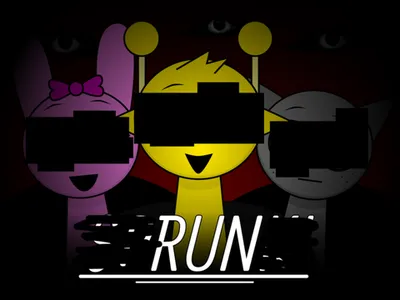
The Semi‑Final Update strengthens the Normal vs Horror identity. Many characters have alternate horror animations or corrupted auras that trigger when you switch to horror mode or hit certain combinations. Lyrics like “I’ve got no soul to sell, where am I?” and “burning in this wretched hell” turn what could have been a goofy remix into something that feels like a trapped spirit monologue. Horror sequences lean into:
- Fragmented identity: characters like Simon, Coner, or Mard feel like echoes of their usual selves, glitched or exhausted.
- Purgatory imagery: bell chimes, burning references, and endless repetition suggest the cast is looping through some musical limbo.
- Meta‑horror: Parodybox clearly knows it’s a mashup of other mods. Horror mode feels like the universe becoming self‑aware and breaking down around your mix.
The Semi‑Final part of “Parodybox Sprunki (Semi-Final Update)” also carries a meta meaning. It hints that the game’s universe is almost complete, not quite “final,” but already dense with callbacks, secret characters, and refined horror set pieces. For players, it feels like you’re stepping into a pre‑final act of a long‑running Sprunki saga, where all the OCs and parodies have finally converged in one haunted soundboard.
Gameplay Mechanics: How to Play Parodybox Sprunki (Semi-Final Update)
Parodybox Sprunki plays like a high‑energy Incredibox mod. Everything revolves around drag‑and‑drop characters, layering loops, and discovering hidden interactions.
Basic Controls
- Open the Parodybox Sprunki (Semi-Final Update) page in your browser. It runs in HTML5, no download needed.
- Wait for assets to load. Because it “combines most sprunki mods,” it preloads many sprites and audio loops, so give it a few extra seconds.
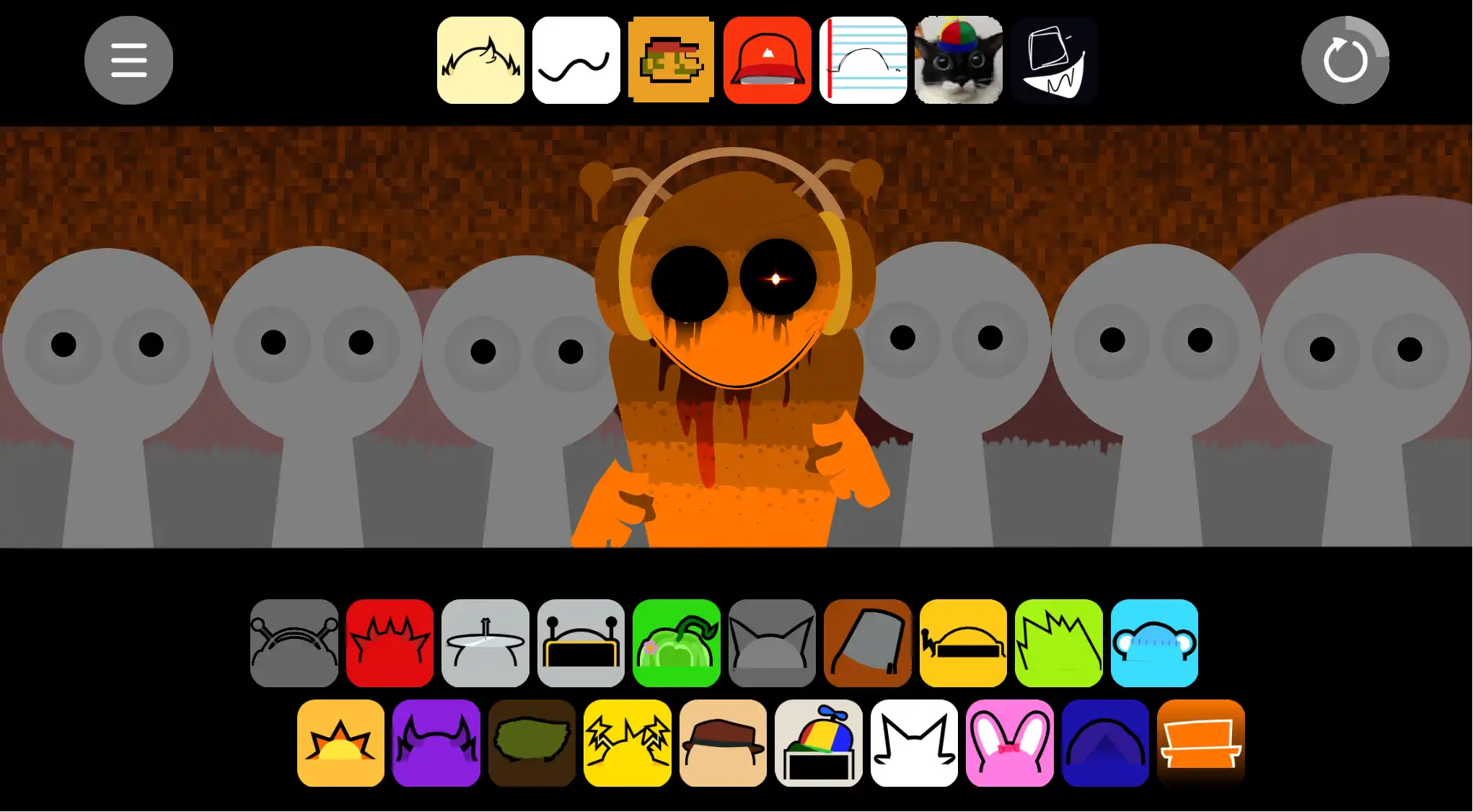
- Along the bottom or sides of the screen you’ll see your character icons, grouped loosely by role: beats, effects, melodies, vocals, bonuses, and secrets.
- Drag a character onto an empty slot on the main stage. They’ll snap into place and start looping their sound instantly.
- To remove or toggle a character, click on them again or use any mute/delete icons shown near their slot.
- Mix different characters to build a track, adjust which ones are active, and chase synergies that create fuller rhythms or cinematic horror ambience.
Normal vs Horror Mode
One of the most distinctive parts of Parodybox Sprunki (Semi-Final Update) is its normal vs horror split:
- Normal mode: characters show their default, comedic or stylish forms, often with bright colors and playful animations. The music leans toward groove, bounce, and meme‑like hooks.
- Horror mode: characters fade into darker palettes, gain new facial expressions, or trigger ambient screeches, drones, and unsettling vocal lines. Backgrounds can dim, and some sequences feel like you’ve stepped into a parallel, corrupted version of the same performance.
Switching between modes (usually via an on‑screen horror toggle or bonus interaction) can totally change the emotional tone of your mix without rebuilding it from scratch.
Bonuses and Secrets
In proper Incredibox mod fashion, Parodybox Sprunki includes bonus triggers and secret unlocks. Bonuses often depend on placing the right combination of beats, effects, melodies, and vocals in specific slots. When you hit the right recipe, the game rewards you with:
- Cinematic cut‑in animations
- Full bonus sequences: scripted scenes playing out while the music shifts into a pre‑built track
- Horror transformations: characters becoming corrupted, sad, or possessed mid‑sequence
- Hidden characters: secret units like Jeanz or The gOd can require puzzles or codes to access
The Semi‑Final Update adds new horror animations and refines some of these bonuses, making the transitions smoother and the sequences more visually striking, especially for characters like Mard and Moch.
Character Guide: Simon, Wenda, and Key Parodybox Sprunki Faces
Parodybox Sprunki (Semi-Final Update) pulls its cast from the broader Parody Sprunki universe, but tweaks their roles or visuals to fit the mod’s parody‑meets‑horror identity. Here’s a breakdown of some of the most important characters for your mixes.
Beat Characters: Foundations of Your Track
- Oren – A core beat character, laying down a steady rhythmic backbone. In normal mode he feels upbeat and stable, perfect for almost any style. In horror contexts, even Oren’s groove can feel ominous when paired with darker effects.
- Raddy – Another percussive anchor, but with a slightly more driving, urgent feel. Great for pushing your track toward “onslaught” intensity.
- Clukr – Quirkier, clicky beats that give your mix texture. Works extremely well under horror vocals, creating that “danger is all in you” anxiety.
- Fun Bot – A fan favorite, frequently mentioned by the community for his animations. His beat is playful in normal mode, but his horror‑adjacent visuals can make even a simple loop feel uncanny.
- Vineria – Often used to glue other beats together, adding bounce and mid‑range energy.
Effect Characters: Texture and Atmosphere
- Gray – Glitchy and darker, Gray adds distortion and atmospheric weirdness. Essential for horror builds.
- Brud – Another effect that can either amplify groove or push you toward chaotic walls of sound depending on your layering.
- Garnold – A more melodic effect, often used to color chord progressions.
- OWAKCX & Sky – These effects blend atmospheric tones and motion, with Sky especially useful if you’re chasing “floating in limbo” energy in horror mode.
Melody Characters: The Emotional Core
- Mr. Sun – Brighter melodies that keep your mix from becoming too oppressive. Pairing Mr. Sun with horror vocals creates a powerful contrast.
- Durple & Mr. Tree – Deeper tonal lines that help define your track’s chord movement, with Durple often leaning moodier.
- Simon – One of the standout melodic/vocal presences in the Parody Sprunki universe. In Parodybox Sprunki, Simon’s lines often feel like the emotional anchor—he can sound confident in normal mode, but devastatingly lost or questioning in horror.
- Tunner – A bridge‑style melodic role that ties different sections together.
Vocal Characters: Lyrics, Hooks, and Horror Monologues
- Mr. Fun Computer – Classic digitalized voice lines, sometimes comedic, sometimes cold. Great for meta‑or “system glitch” vibes.
- Wenda – A key vocal presence; her delivery can sound teasing, confident, or quietly distressed depending on the mix and mode. She’s central to making a track feel like a character‑driven story rather than just loops.
- Pinkamena & Jevin – Stronger emotional or edgy voices, often leaning into darker or more confrontational lines.
- Mr. Black – Deep, shadowed presence that pairs perfectly with horror beats and Gray’s textures.
Bonuses, Secrets, and Semi-Final Horror Tweaks
- Mard – In the Semi‑Final Update, Mard receives a horror animation, making him a visual highlight when the track pushes into its darker climax.
- Moch – Often appears sad or distressed in horror sequences, adding a tragic tone.
- Coner – Present as a bonus/secret character; community comments show players eagerly waiting for his full horror animation, underlining how iconic he’s become.
- Jeanz & The gOd – Meta‑secret entities, nodding back to the creator and higher‑tier lore. Unlocking them gives you bragging rights and some of the most unique sounds.
Similar Mods & Genre Connections
If the multiverse mashup style of Parodybox Sprunki (Semi-Final Update) clicks for you, you’re already in the perfect niche for crossover Sprunki experiences. It sits alongside other horror‑tilted, experimental music mods and interactive experiences where you’re not just stacking loops, you’re exploring alternate realities for the cast.
If you enjoy mixing normal and horror personalities and watching characters “break” under the pressure of your track, check out the broader collection of interactive Sprunki experiences—especially those that let you poke at characters’ emotions and transformations over time—via the interactive experiences category on Sprunki Retake style sites, for example: if you love juggling character states and horror mood swings, you’ll likely vibe with the style highlighted in collections like interactive Sprunki experiences.
Community & YouTube Trends
Parodybox Sprunki’s Semi‑Final Update exploded thanks to community demand. The showcase you’re watching comes from a poll, and the comments are full of reactions like “the update is peak” and “I literally LOVE this update!!!!” Players hype specific moments—Fun Bot’s wave animation, Moch’s sad horror expression, Mard’s new horror animation, and black‑eyed cat visuals that flash by mid‑sequence.
On YouTube, creators lean into:
- Full update showcases, where they play through every character, both normal and horror.
- Journal voiceovers in horror mode—where Mr. A or similar narrator types finally “speak” in more explicit lore segments, turning the mod into a kind of interactive creepypasta.
- Theory videos about lyrics like “I’ve got no soul to sell, where am I?” and how they connect to Sprunki Retake, Parasprunki, and other shared universes.
Fans treat Parodybox Sprunki as a kind of central hub: because it “combines most sprunki mods,” it becomes the perfect playground for OC creators, lore theorists, and remix artists trying to see how far they can push the sound engine while still keeping a coherent track.
Tips & Strategy: Getting the Best Results and Endings
To get the most satisfying “endings” or climaxes out of Parodybox Sprunki (Semi-Final Update), treat it like both a music workstation and a visual narrative tool.
Build a Strong Base
- Start with 2–3 beat characters (Oren, Raddy, Clukr, Fun Bot) and make sure they mesh rhythmically.
- Add 1–2 effects (Gray, Garnold, Sky) to set tone—bright or ominous—and listen for clashes before adding more.
Shape the Emotional Arc
- Introduce melodies slowly: begin with Mr. Sun or Durple, then fold in Simon when you want the track to feel like it’s “saying something.”
- Use Wenda or Mr. Fun Computer to shift tone mid‑track. A well‑timed Wenda line can flip a simple beat into something character‑driven.
Trigger Bonuses Deliberately
- Once your base groove feels stable, try slotting characters in different positions to chase bonus triggers. Many Sprunki‑style mods hide at least a few sequences in very specific character orders.
- When a bonus triggers, watch the visuals and listen: the Semi‑Final Update’s horror bonuses often contain core lore, so don’t just click away.
Master Normal vs Horror Contrast
- Build your track in normal mode first, then toggle horror. Notice which elements transform most dramatically. Keep those as your “pivot points” for emotional shifts.
- For a “good ending” feel, you can start in horror mode and gradually remove corrupted characters, bringing in brighter melodies and vocals like Mr. Sun and Wenda at the end.
- For a “bad ending,” invert the process: start playful, then gradually swap in Gray, Mr. Black, horror Mard, and the more tortured vocal lines until your soundscape feels like a descent.
Use Silence and Space
- Don’t fill every slot immediately. Leaving one or two empty slots gives your mix room to breathe and makes each new character feel impactful.
- Mute and unmute characters during playback to simulate verses, choruses, and breakdowns, turning a static loop into a mini‑song.